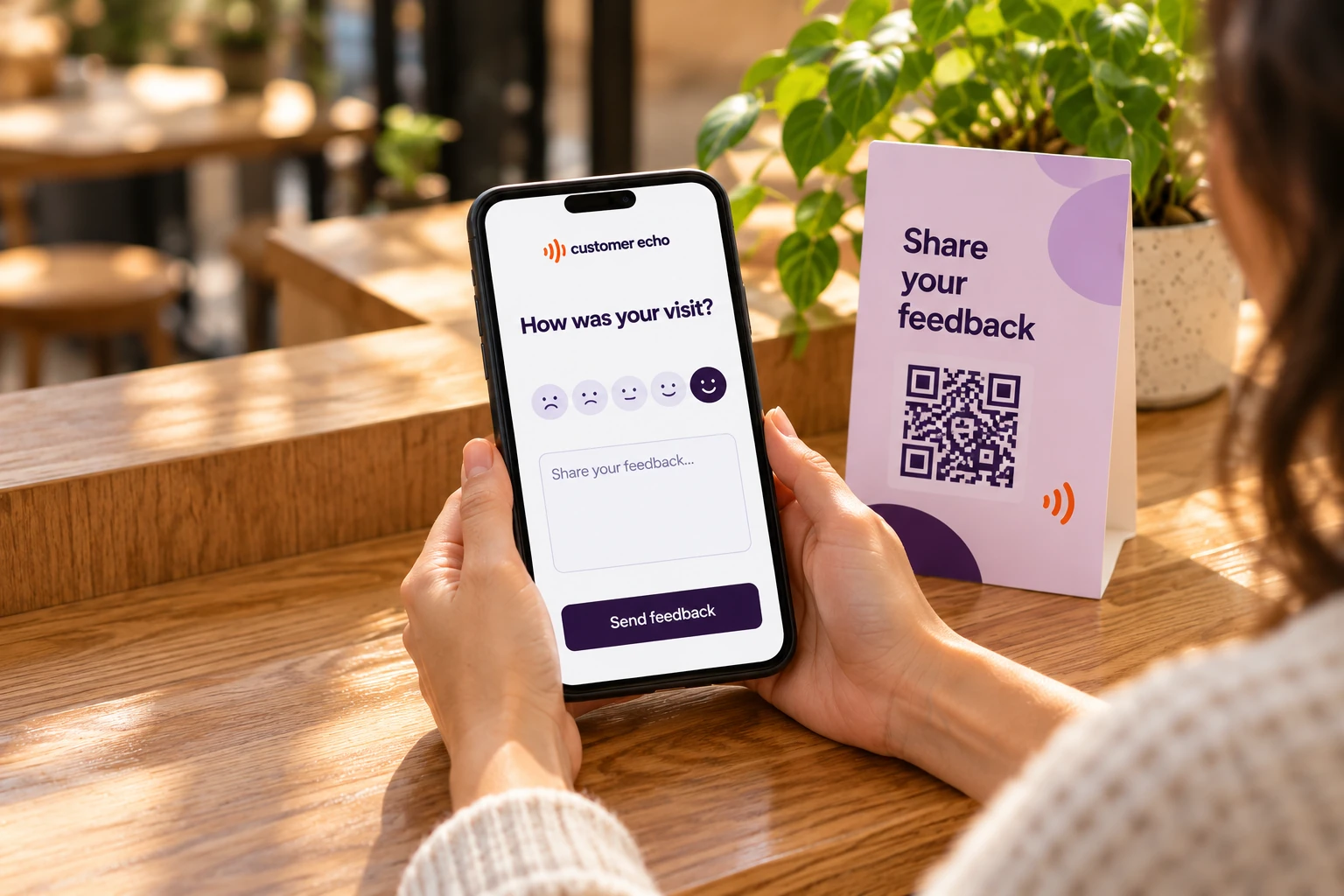
QR codes & voice
In the moment.
A quick scan opens a space to write or speak, while the experience is still fresh.
Explore QR feedbackCustomer experience management
Collect feedback and Google reviews, understand what matters, and follow up with your customers.

From feedback to a brighter tomorrow
Follow a customer’s feedback from their first comment to your team’s next step.

Hear the experience in your customers’ own words, through feedback and reviews.
The team was lovely, but I waited longer than expected.
Recognize recurring topics, customer feelings, and opportunities to improve.
Waiting times
Follow up personally, with the original feedback in view.
Explore personal follow-upKeep conversations moving
Acknowledge the experience, keep the conversation personal, and help your team follow through.




Different places. One clearer picture.
See the bigger picture
See what customers value, where experiences differ, and which themes deserve another look.
Make feedback simple
In person, online, or in their own words.
A quick scan opens a space to write or speak, while the experience is still fresh.
Explore QR feedback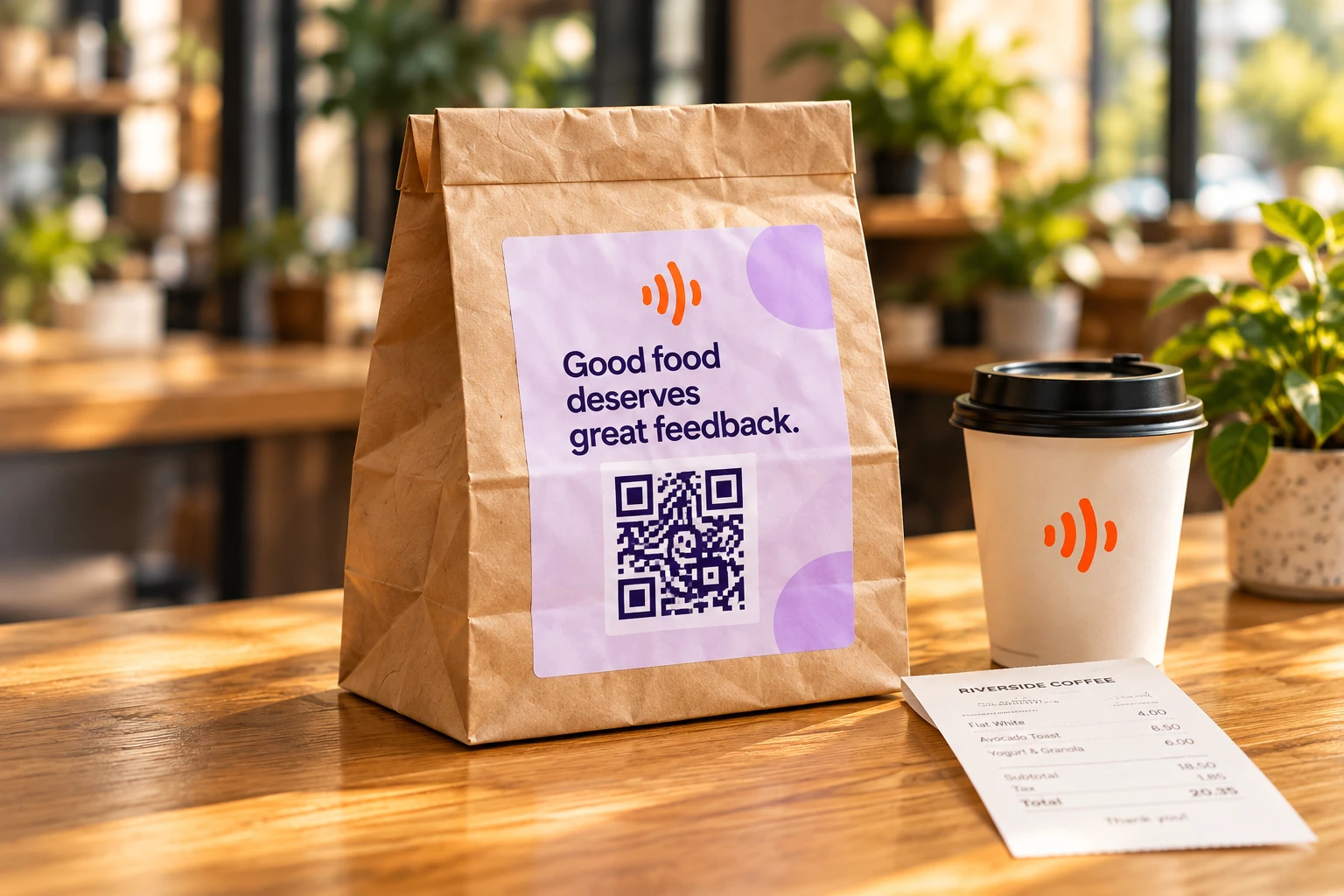
Put a QR code on packaging or share a link, so customers can respond when it suits them.
Explore shared links
Add a feedback form to your website and make it easy to share a thought.
Explore website forms Already talking on Google?Bring your location reviews into the same picture.Explore Google Reviews
 For every place people gather
FAQs
Through QR codes, shared links, or forms on your website. Customers can write a message or record their voice.
Yes. You can import Google Reviews for your locations and understand them alongside the feedback you collect directly.
Yes. Location reports help you see what customers value at each location, where experiences differ, and which themes deserve a closer look.
Yes. Your team can exchange messages with customers and keep their feedback in context, so a personal follow-up has a place to happen.